esimoaesimoa
HomePlansGuideBlogSupportMy eSIMMy Page

eSIM Guide

iPhone & Android eSIM install, activation, and troubleshooting.

iPhone · iOS

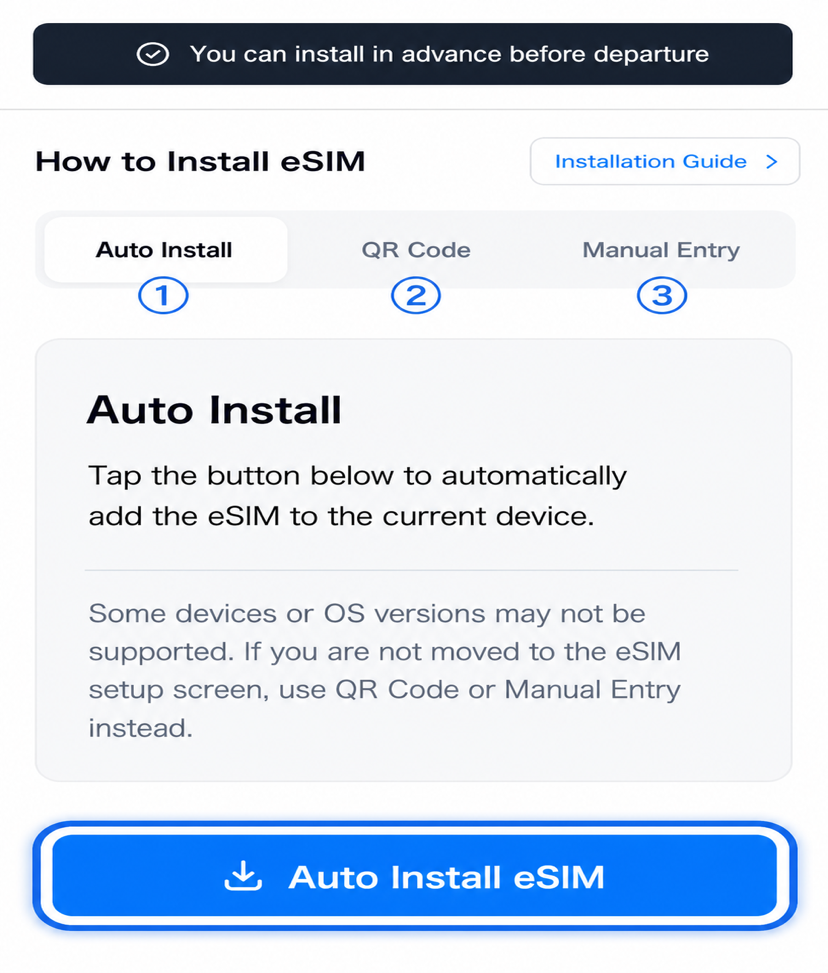
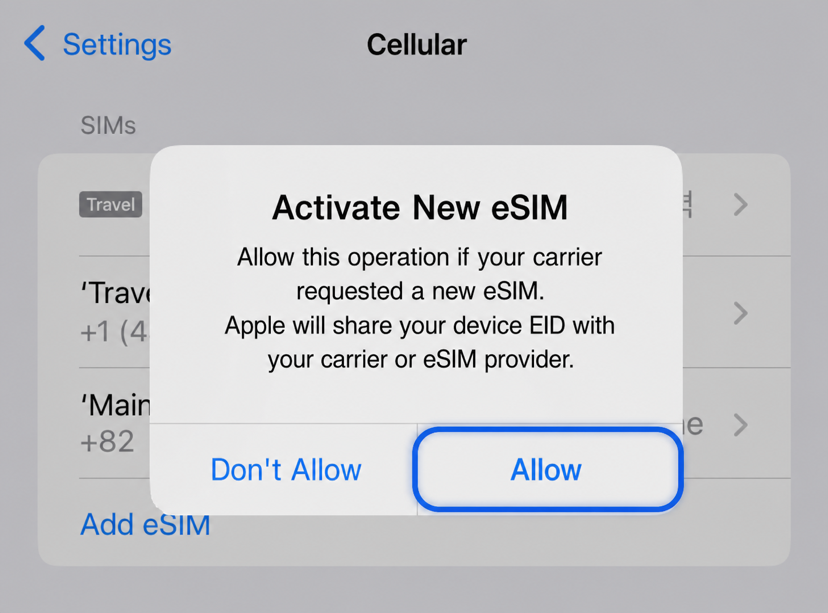
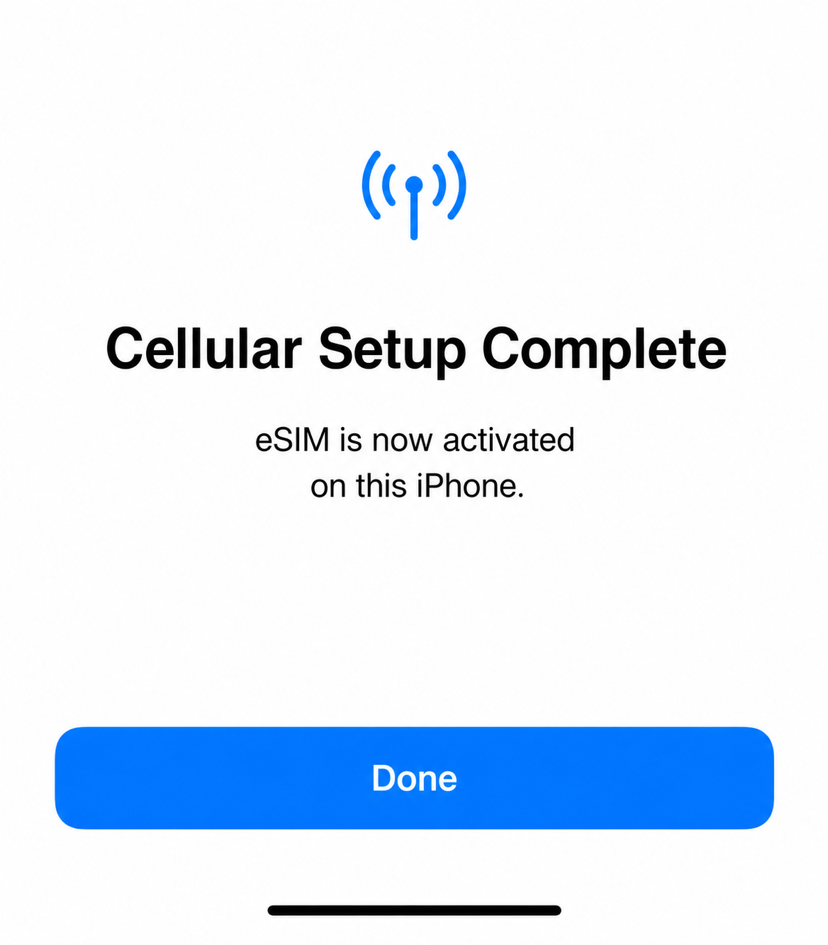
From eSIM install to on-arrival activation on iPhone

Install eSIMAfter ArrivalTroubleshoot

Galaxy · Android

From eSIM install to on-arrival activation on Android

Install eSIMAfter ArrivalTroubleshoot

Reference

After Return: Cleaning Up eSIM

How to clean up your eSIM after returning home. Disable the line, delete the profile, and switch back to your Korean SIM.

Read more

Country Lock — Check and Unlock

How to check and remove the country lock applied by Korean carriers. IMEI registration + carrier contact.

Read more

Korea eSIM Real-name Registration

Real-name registration for some Korean carrier lines or local eSIMs. Steps for ARC / Passport.

Read more

Supported eSIM Devices

iPhone, Galaxy, Pixel, iPad — full list of esimoa eSIM-compatible devices and how to check yours.

Read more

eSIM Frequently Asked Questions

Answers to the most common questions about eSIM purchase, install, refund, and reuse.

Read more
esimoa

NBase Korea Co., Ltd.

CEO: Shinbae Kong

Business No: 401-87-00956

Mail-Order Sales Registration: 2025-Yongin Suji-2082

902, Bldg A, 767 Sinsu-ro, Suji-gu, Yongin-si, Gyeonggi-do (Dongcheon-dong, Bundang Suji U-TOWER)

esimoa — Travel eSIM, Calls & VPN - eSIM, calls & VPN for travelers — all in one app | Product Hunt

Customer Service

Email: [email protected]

Legal

Terms of ServicePrivacy PolicyPartnership

© 2025 esimoa. All rights reserved.