
ESIMOA APP / TRAVEL LIGHT. STAY CONNECTED.
Every trip. One simple app.
Compare, buy, install, and monitor your eSIM in one place.


Compare 190+ countriesApp-only benefitsOrders & data
Explore the app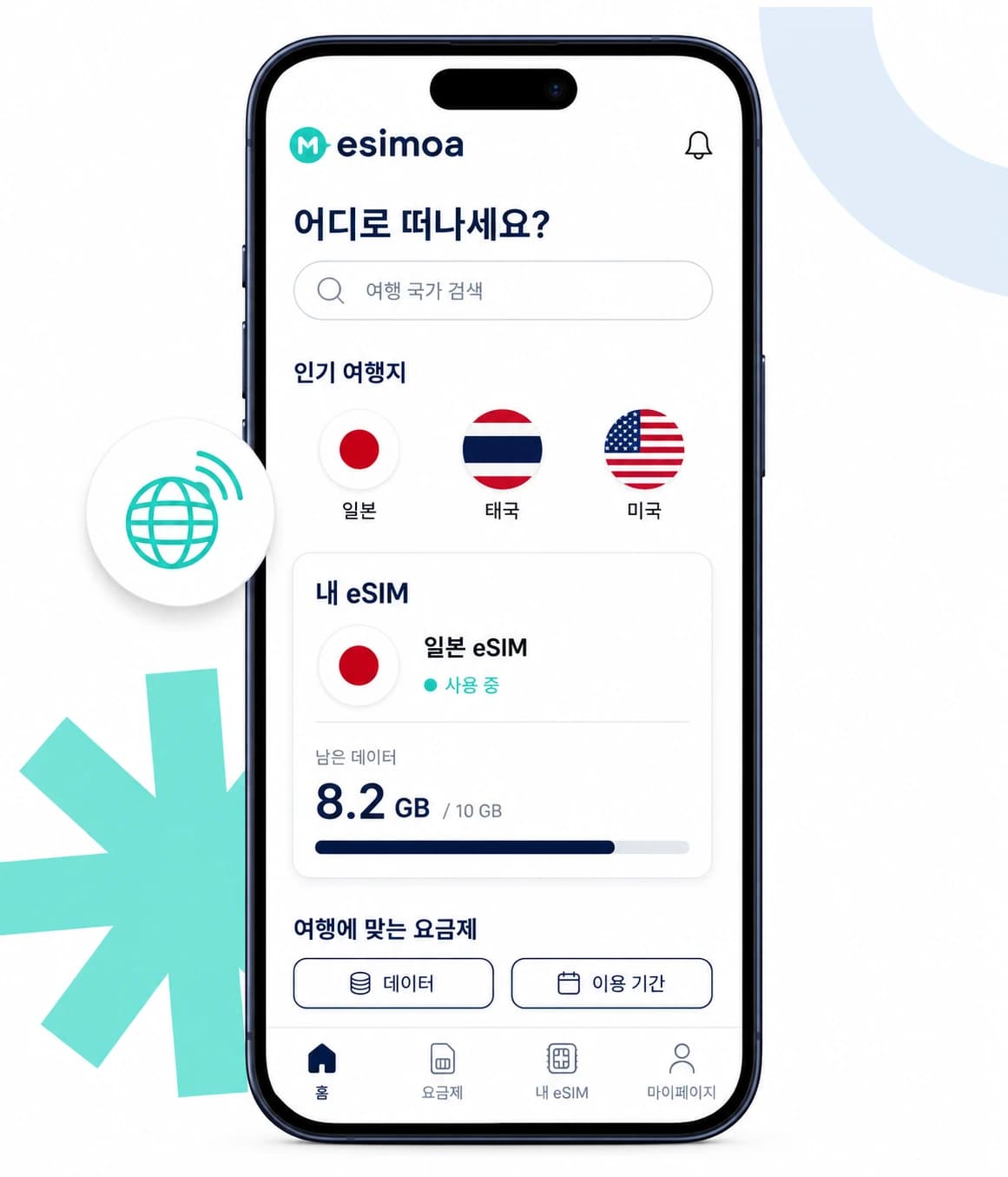
Search 190+ countries
Compare plan conditions
Faster install
Follow setup guidance
Manage at a glance
Manage data and status
MADE FOR YOUR JOURNEY
Less planning. More exploring.
Everything you need from plan comparison to checking data while abroad, kept simple and fast.
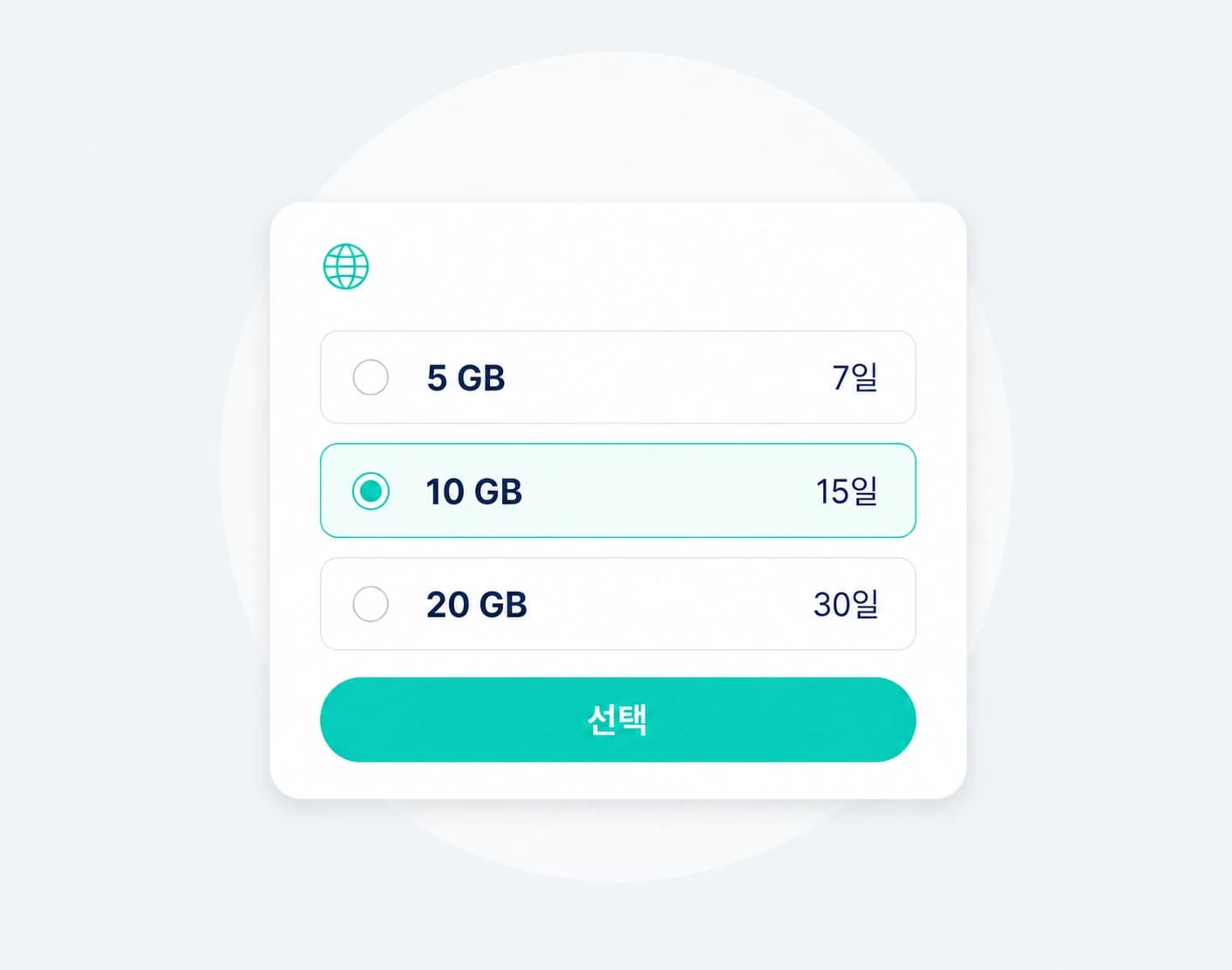
Compare plan conditions
Data and duration for your trip
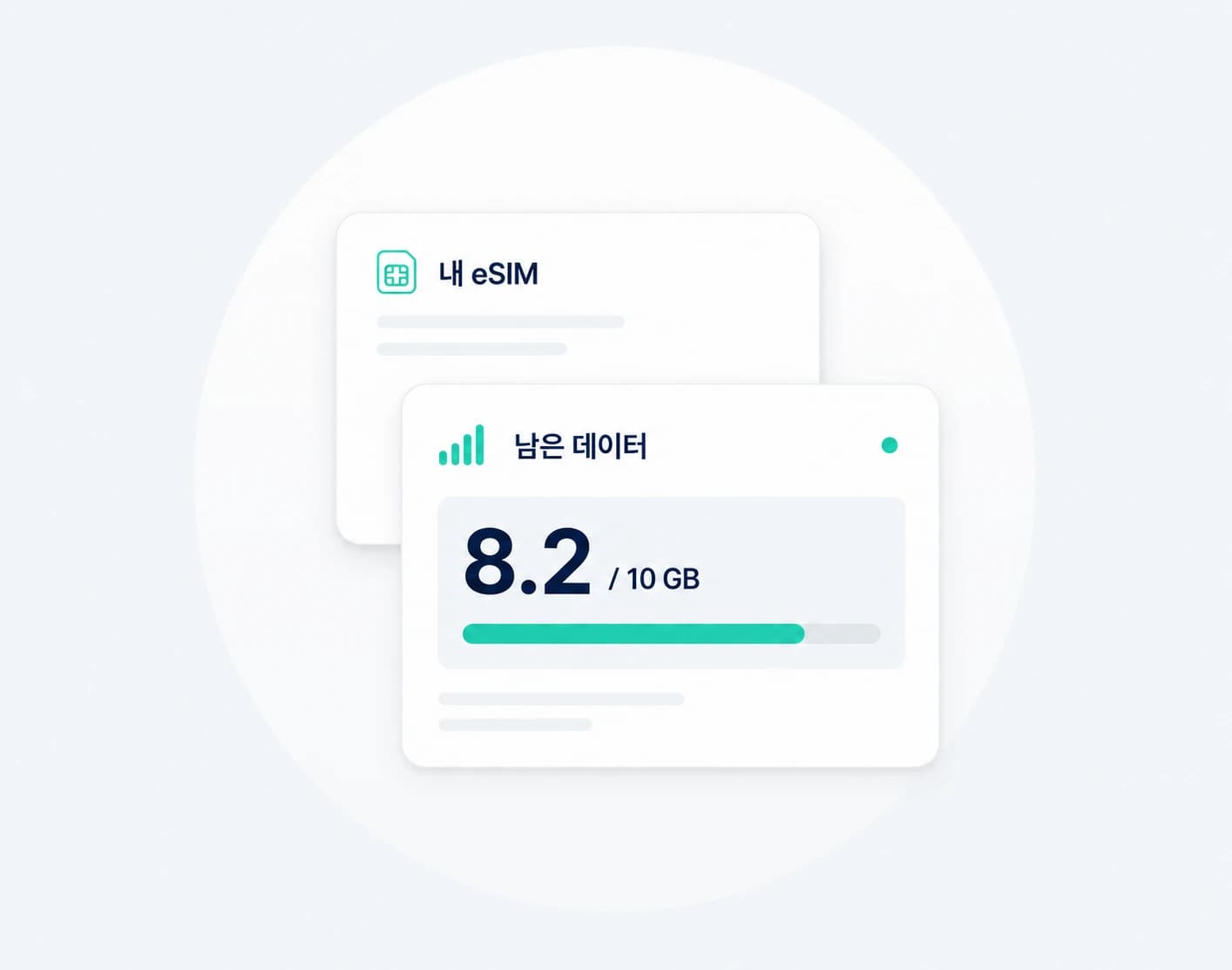
Manage data and status
Remaining data and status at a glance
Illustrative Korean app previews. Plan conditions and usage information vary by plan.
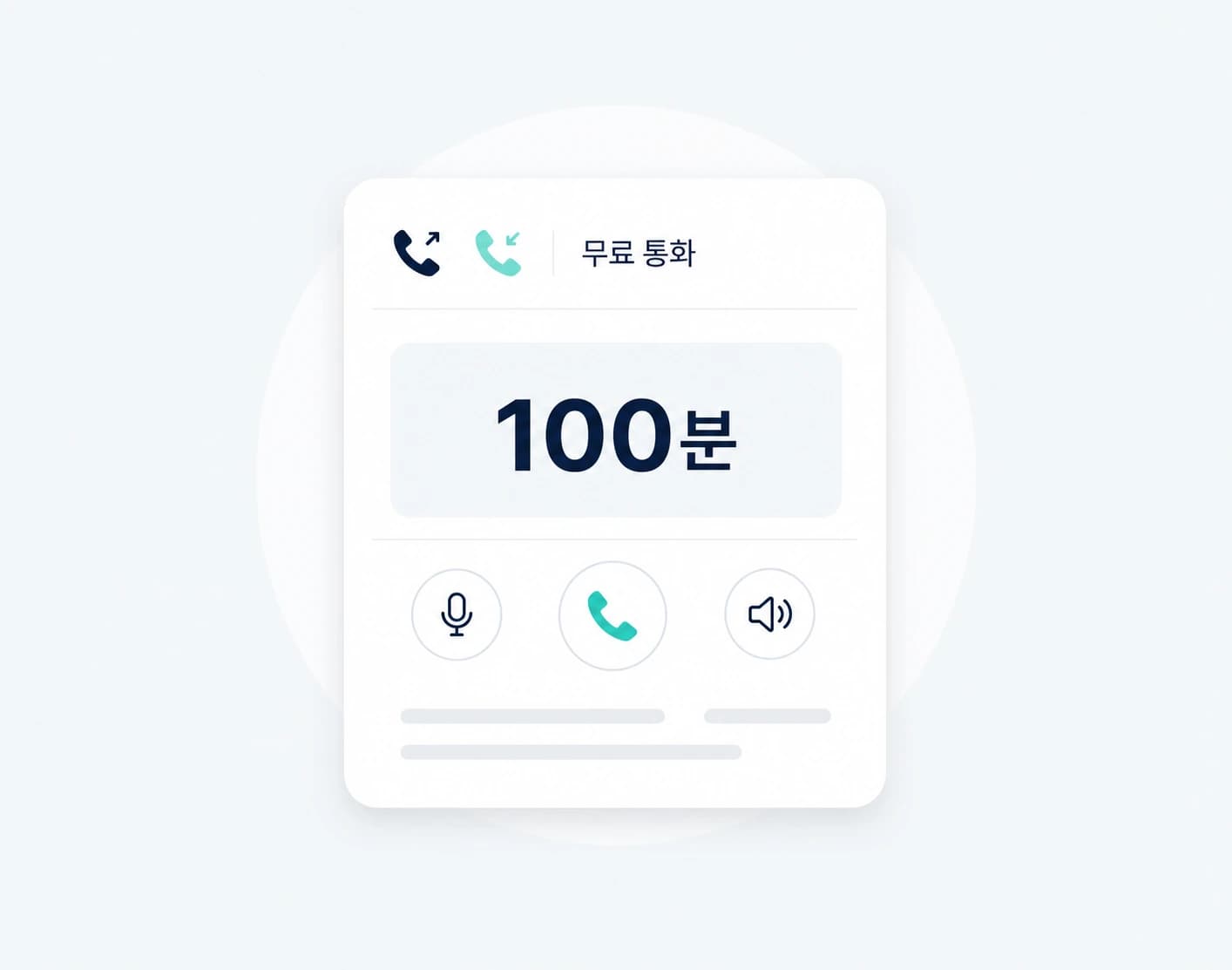
Free calls, both ways
100 combined minutes with an active unlimited eSIM of ₩10,000+ · free outgoing calls to your travel country and Korea
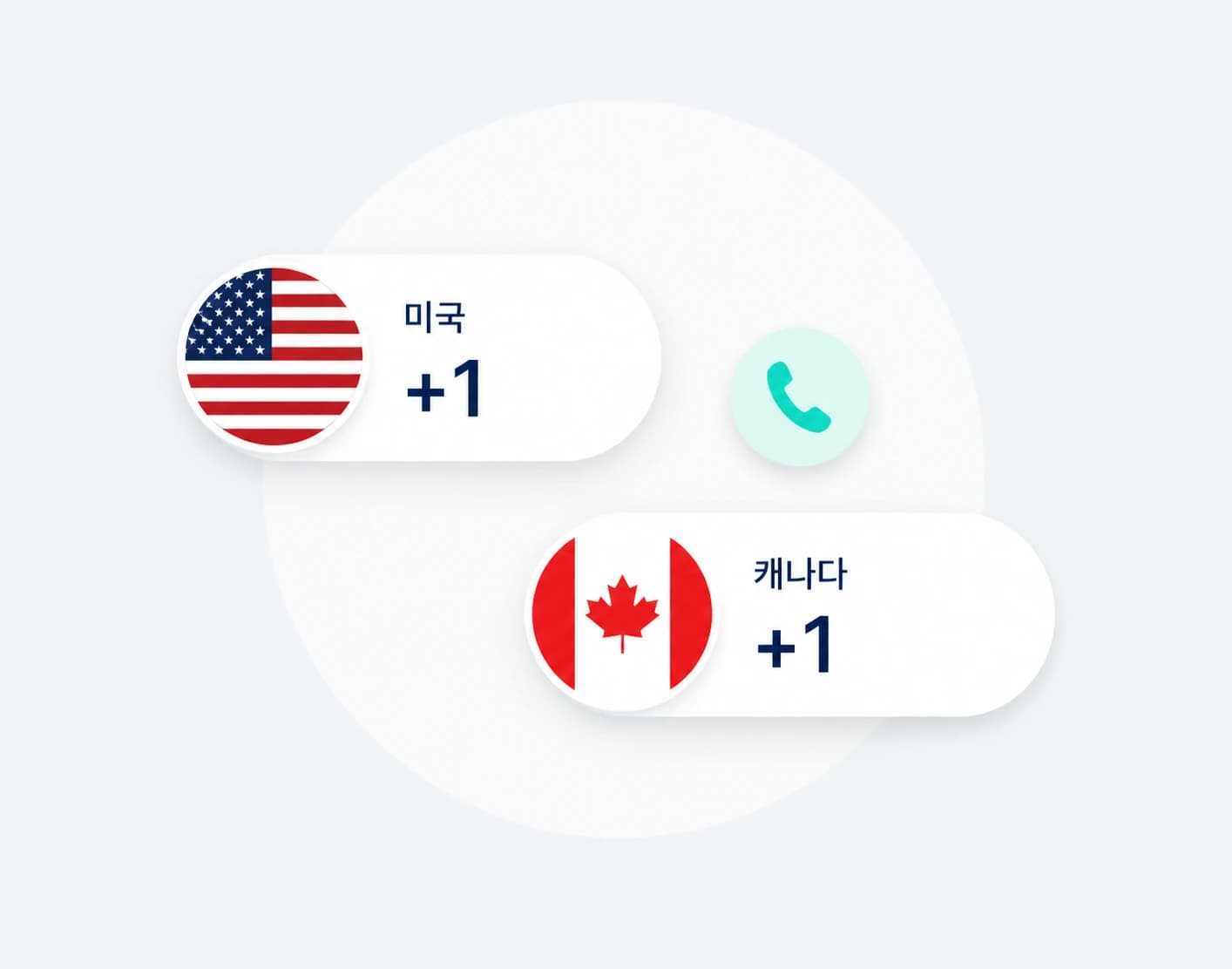
Free US or Canadian number
Eligible customers · one free number
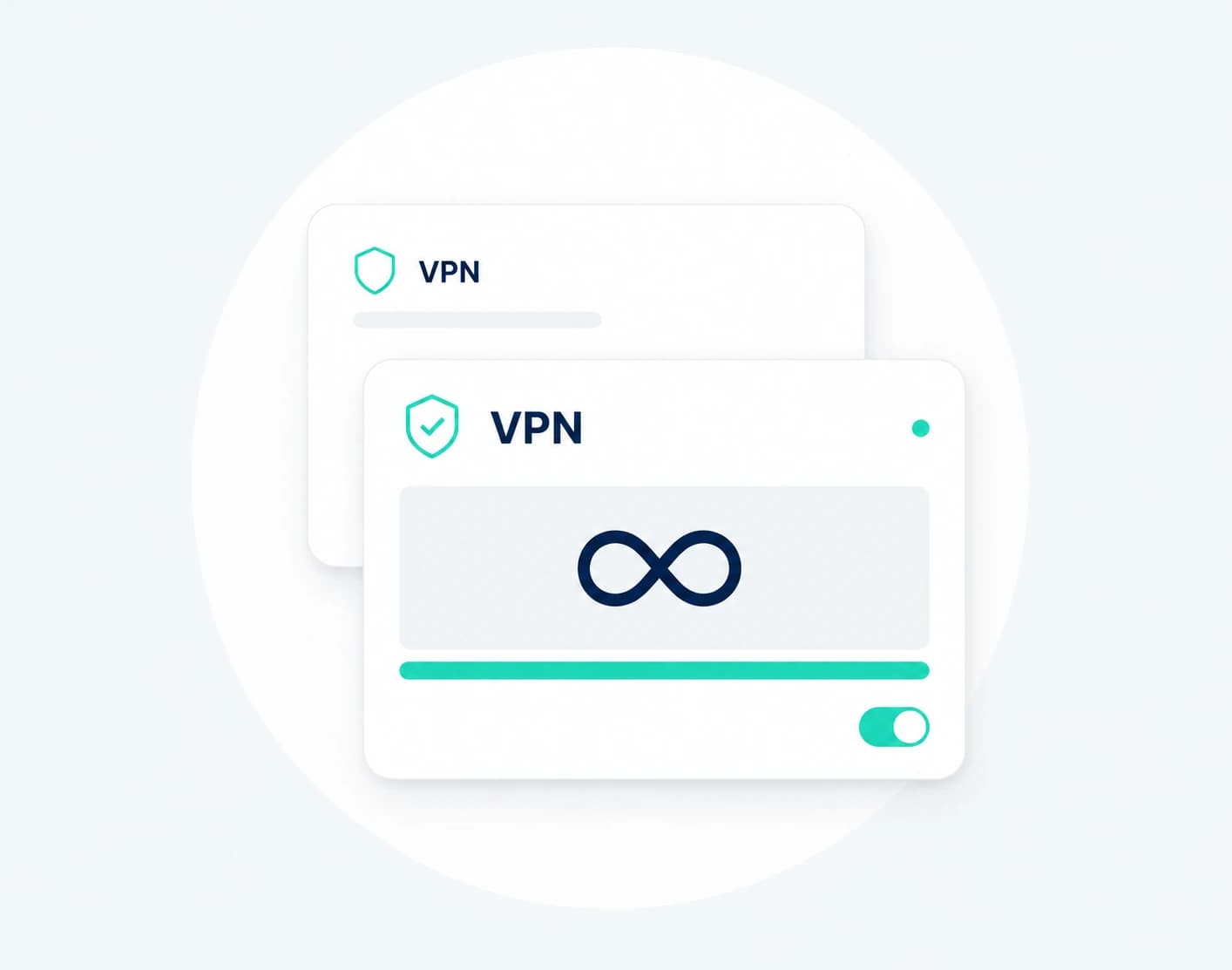
Unlimited-data VPN
Free with an eligible active eSIM
FROM TAKEOFF TO TOUCHDOWN
Before you leave. After you land.
There is no need to switch between different tools at every stage. Keep the essential flow inside the esimoa app.
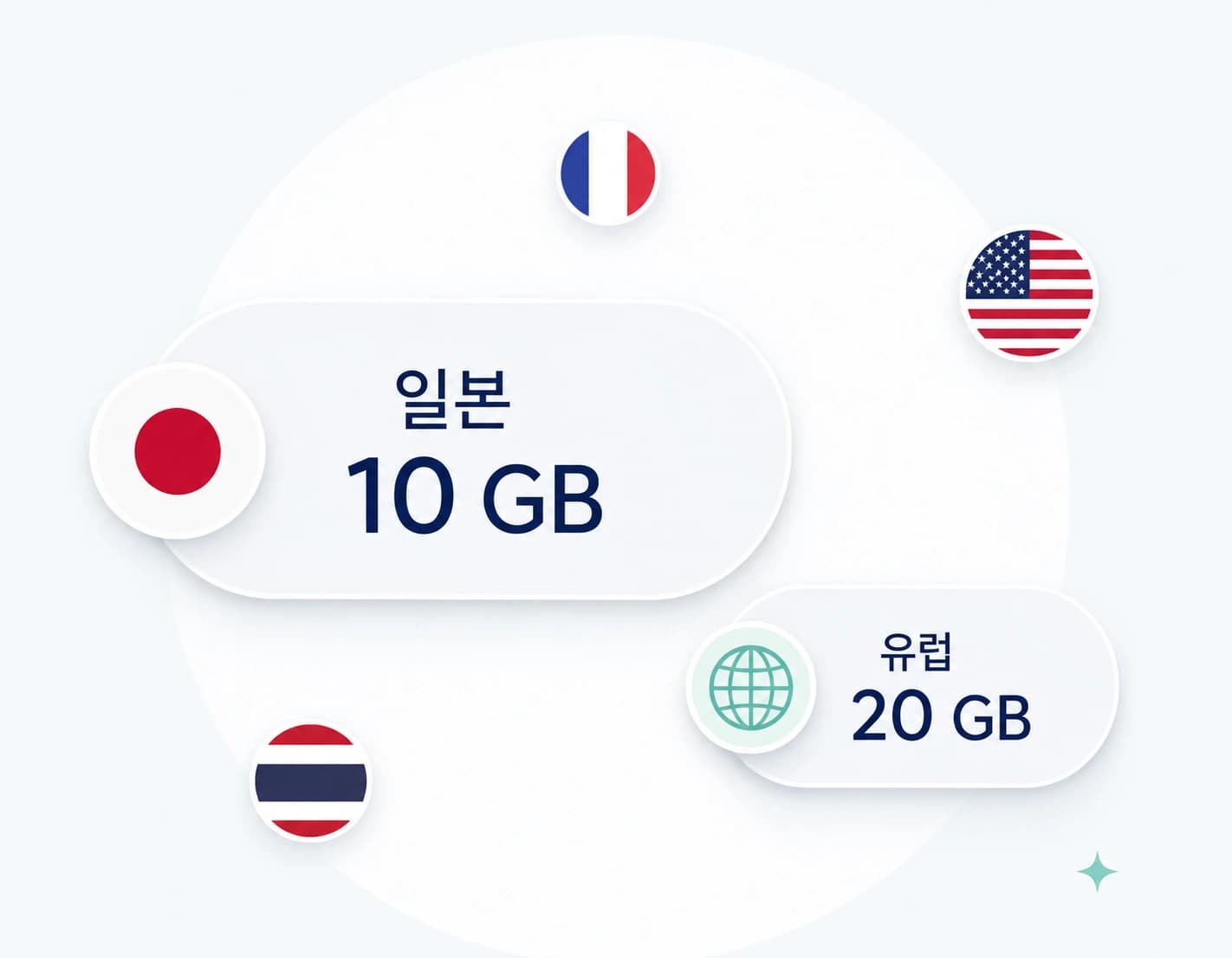
01 / Before your trip
Pick your destination. Compare in the app.
Find your destination and compare eSIMs by data allowance and validity.
Search 190+ countries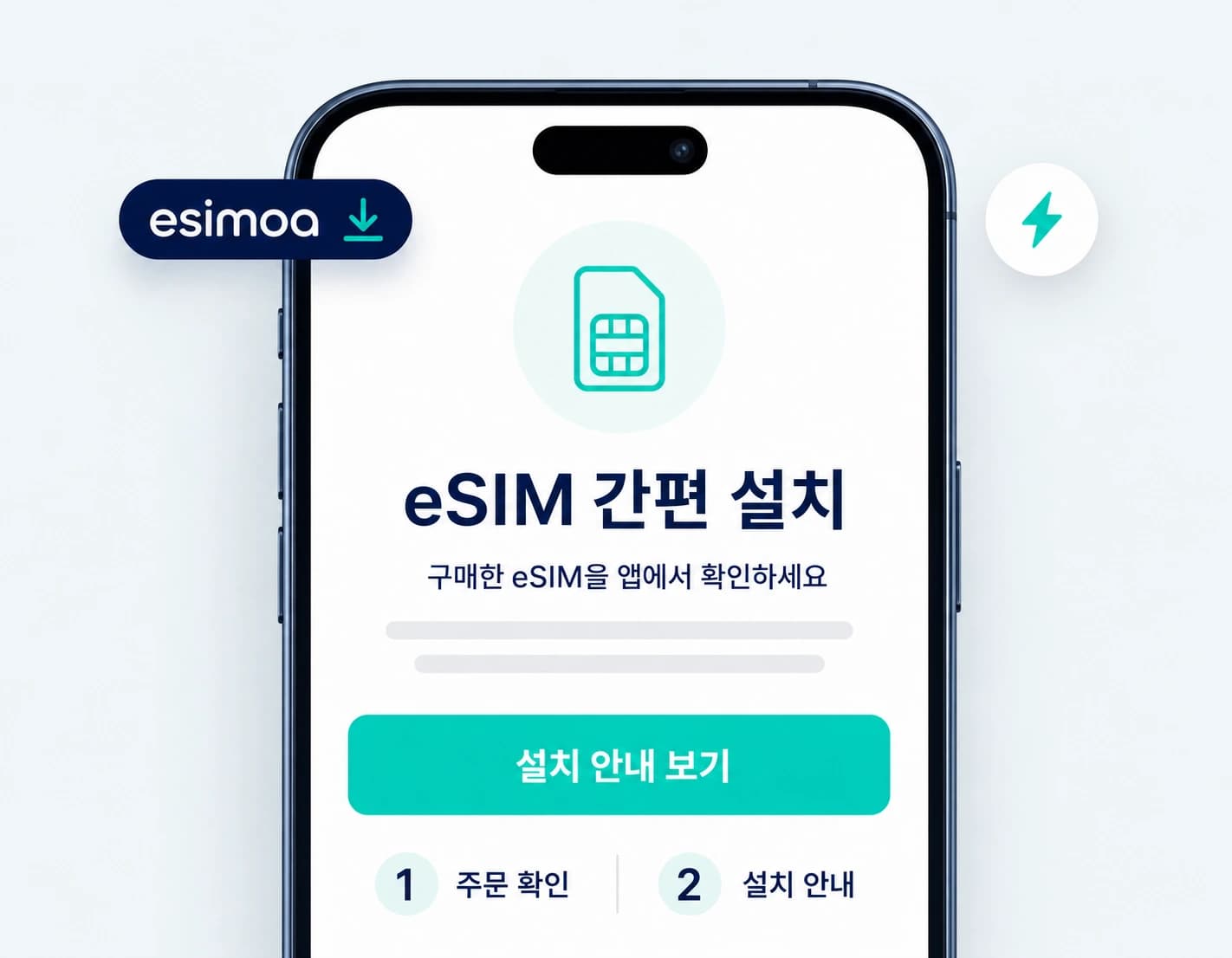
02 / After purchase
Your eSIM. Ready for the next step.
Find the purchased plan in your orders and follow the provided setup guidance.
Follow setup guidance- 01 / Before your trip
Compare destinations and plans
Find your destination and compare eSIMs by data allowance and validity.
- 02 / After purchase
Review orders and prepare setup
Find the purchased plan in your orders and follow the provided setup guidance.
- 03 / While traveling
Check data and plan status
Review remaining data and service status in the app when supported by the plan.
Your next trip, with esimoa.
Install esimoa from your app store and compare plans for your destination.
A LITTLE HELP
A few things to know.
Answers to common questions about downloading the app and preparing an eSIM.
Which smartphones can download the app?
Use the App Store button for iPhone or the Google Play button for Android to open the esimoa download page.
Where can I find a purchased eSIM?
After signing in, open your orders to review the purchased plan, status, and available setup guidance.
Is remaining data shown for every plan?
The availability and detail of data and status information may vary by plan and provider policy.
When should I install and activate my eSIM?
Follow the setup guidance and start conditions provided for your specific plan. Activation timing can vary by plan.