
What is eUICC? How It Differs from eSIM and How It Works
At a glance
Learn about eUICC, its difference from eSIM, remote provisioning, and profile management.
TL;DR (Summary)
- eUICC is the core hardware chip of eSIM that enables storing, managing, and remotely switching between multiple carrier profiles.
- eSIM refers to the entire technology/ecosystem including the eUICC chip, profiles, and remote provisioning.
- When you reach the maximum profile limit, you can delete expired eSIMs to install new profiles.
What is eUICC?
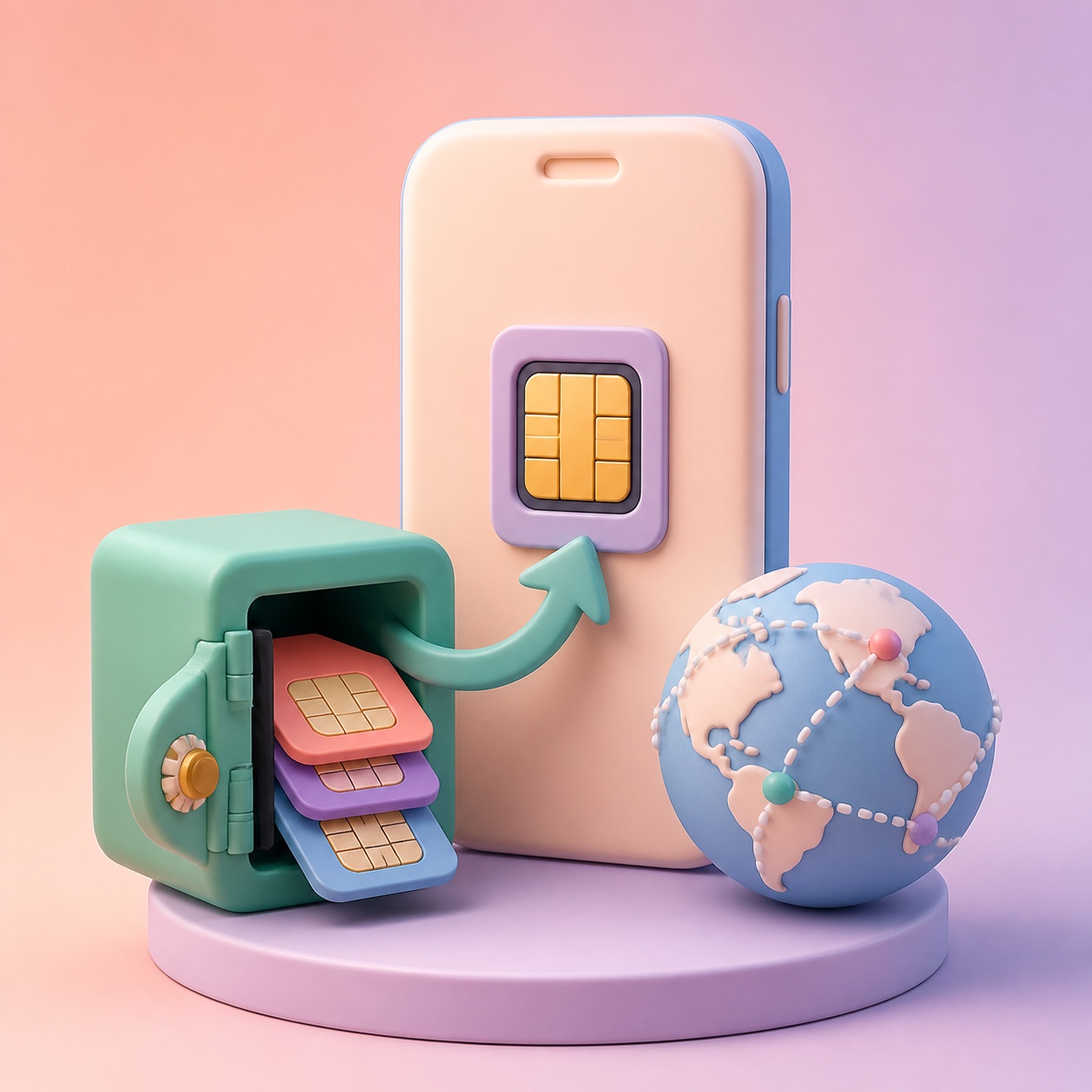
eUICC (Embedded Universal Integrated Circuit Card) is the core hardware of eSIM technology. It is a small chip soldered onto the device motherboard that, per GSMA standards, allows storing and remotely managing or switching between multiple carrier profiles.
Through Remote SIM Provisioning (RSP), you can download and activate new carrier profiles without physically replacing a SIM card, making it convenient for international travel or switching carriers.
How Does eUICC Work?
1) Remote Provisioning (RSP)
The core function of eUICC is remote SIM provisioning.
- Download: Profiles are downloaded remotely via QR code, app, or activation code
- Activate/Deactivate: Switch between or turn off stored profiles
- Delete: Remove profiles you no longer need (some providers restrict reinstallation)
Users can change carriers and plans with a few taps in device settings—no card swap or store visit required.
2) eUICC Architecture (GSMA)
Inside the eUICC chip are components such as:
- ECASD: Security authentication
- ISD-R (Issuer Security Domain - Root): Root security functions
- ISD-P (Issuer Security Domain - Provisioning): Profile installation
- Profiles: Carrier subscription data including IMSI, ICCID
- LPA (Local Profile Assistant): On-device profile management
3) EID (eUICC Identifier)
Each eUICC chip has a unique EID (32 digits). The EID identifies the chip itself and is different from a profile’s ICCID. You may need your EID when contacting eSIM support.
- iPhone: Settings > General > About > EID
- Android: Settings > Phone info > EID
Difference Between eUICC and eSIM
"eUICC" and "eSIM" are closely related but refer to different scopes.
| Aspect | eUICC | eSIM |
|---|---|---|
| Type | Hardware (chip) | Full technology/ecosystem |
| Role | Profile storage and remote management | Network connectivity and profile switching |
| Scope | Chip embedded in motherboard | eUICC + profiles + remote provisioning platform |
| User experience | Works in the background | Profile switching and service activation in settings |
| Standards | GSMA eUICC specs (SGP.02, SGP.22, etc.) | GSMA eSIM/RSP overall architecture |
Summary: eUICC is the hardware foundation that enables eSIM; eSIM is the overall digital SIM functionality users interact with.
Profile Limits and Troubleshooting
How Many Profiles Can Be Stored?
The number of profiles an eUICC can store depends on device memory and profile size. GSMA does not define a fixed limit, but manufacturers set device-specific caps.
- iPhone 12 and earlier: Store 8+ profiles; 1 active at a time
- iPhone 13 and later: Dual eSIM support (2 active profiles)
- Android: Varies by device (typically 5–8 profiles)
When You See "eUICC-Related" Errors
If you cannot download or activate an eSIM profile, check the following.
- Storage full: You may already have the maximum number of profiles installed.
- What to do:
- Delete expired eSIM profiles
- Deactivate or delete unused profiles
- Reboot the device and try again if needed
How to Delete Expired eSIMs
iPhone
- Settings > Cellular
- Select the eSIM to remove
- Tap "Remove Cellular Plan" or "Delete eSIM"
Android
- Settings > Network & Internet > SIMs
- Select the eSIM to remove
- Tap "Remove" or "Delete"
Note: Many travel eSIMs allow only one installation. Once deleted, they may not be reinstalled, so only delete profiles whose validity has fully ended.
Related Guides
Last updated: March 1, 2025
