
🚀Getting Started
Dual SIM + eSIM: Data and Call Settings
#eSIM
8 min read
At a glance
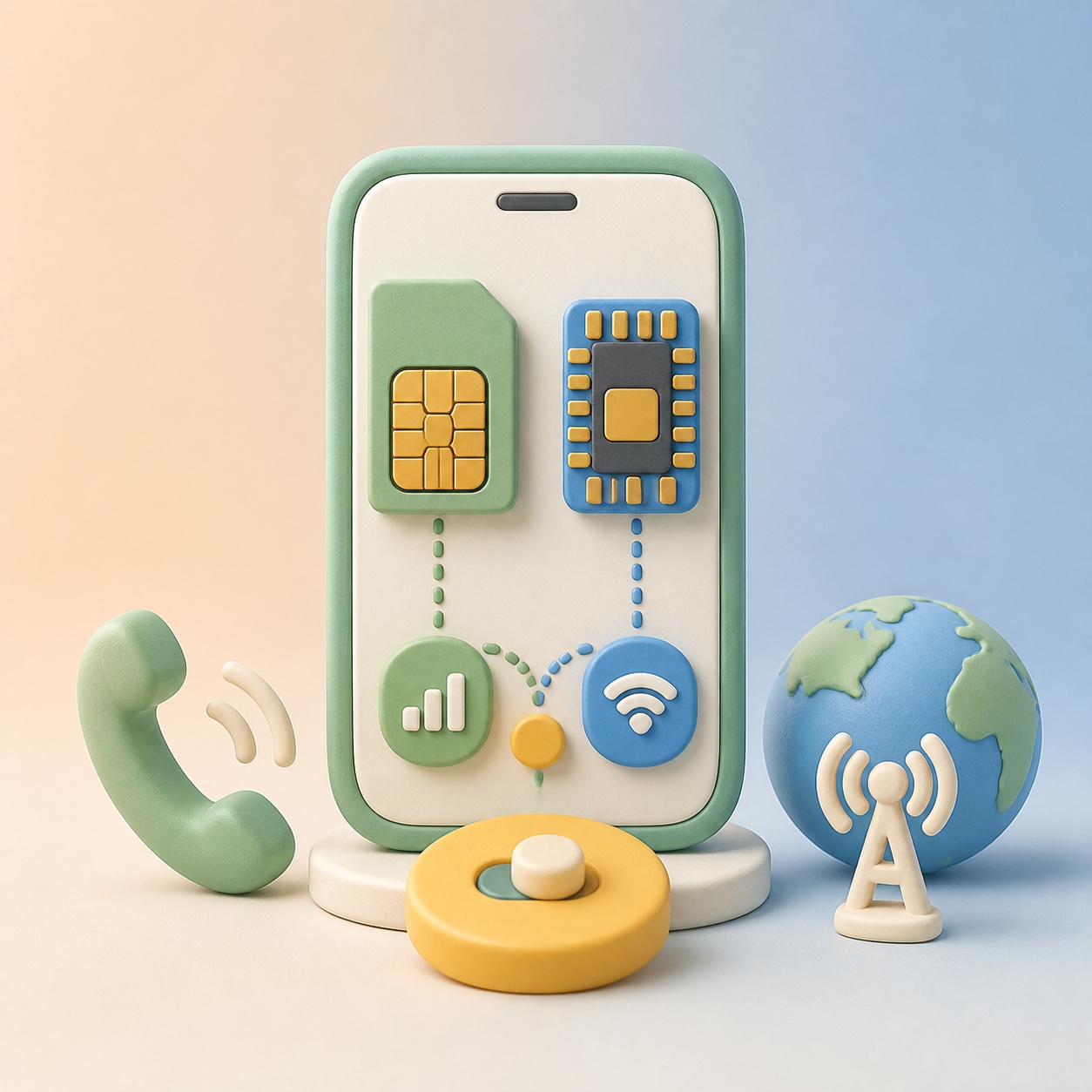
How to set data and voice lines when using domestic SIM + eSIM.
TL;DR
- Data on eSIM and data roaming OFF on home USIM → avoid high roaming abroad.
- Calls/SMS on home USIM (default voice) → receive calls and SMS on your home number.
- On both iPhone and Galaxy, set cellular data to use the eSIM line.
Why separate these settings?
With dual SIM (USIM + eSIM):
- Data on eSIM → overseas data is billed only to the eSIM plan (cheap).
- Data on home USIM → roaming charges may apply (expensive).
- Calls/SMS on home USIM → use your home number for calls and SMS (data/Wi‑Fi can still use eSIM).
So a common setup is: data = eSIM, default voice = home USIM.
iPhone settings
- Settings → Cellular (or Mobile Data)
- Cellular data → set data to eSIM
- Default voice to home USIM (to receive calls/SMS on home number)
- Data roaming OFF for home USIM (avoid high roaming)
Result:
- Internet/app data → eSIM
- Calls/SMS → home USIM number
Android (Galaxy etc.) settings
- Settings → Connections → SIM manager
- Mobile data → set data SIM to eSIM
- Voice / SMS → set default to home USIM
- Data roaming OFF for home USIM
Checklist
- Home USIM data roaming OFF
If home USIM uses data abroad, roaming charges apply. See How to turn off data roaming on home SIM. - Default voice = home USIM
To receive calls/SMS on your home number, set default voice to home USIM. - Wi‑Fi
When on Wi‑Fi, data uses Wi‑Fi first; turn Wi‑Fi off to verify eSIM data is used.
Summary
| Item | Recommended |
|---|---|
| Data | eSIM |
| Default voice/SMS | Home USIM |
| Home USIM data roaming | OFF |
This is the most common dual SIM + eSIM setup for travel.
