PianiPianoChiamateVPNConfrontaGuidaBlogAssistenzaIl mio account
Tutte le guide

Connect on arrival

Select your travel eSIM for data and check that a web page loads.

Aggiornato 2026.10.023 min di lettura

Vai a un passaggio
  1. 01Check your plan first
  2. 02Select the data line
  3. 03Check roaming settings
  4. 04Test the connection
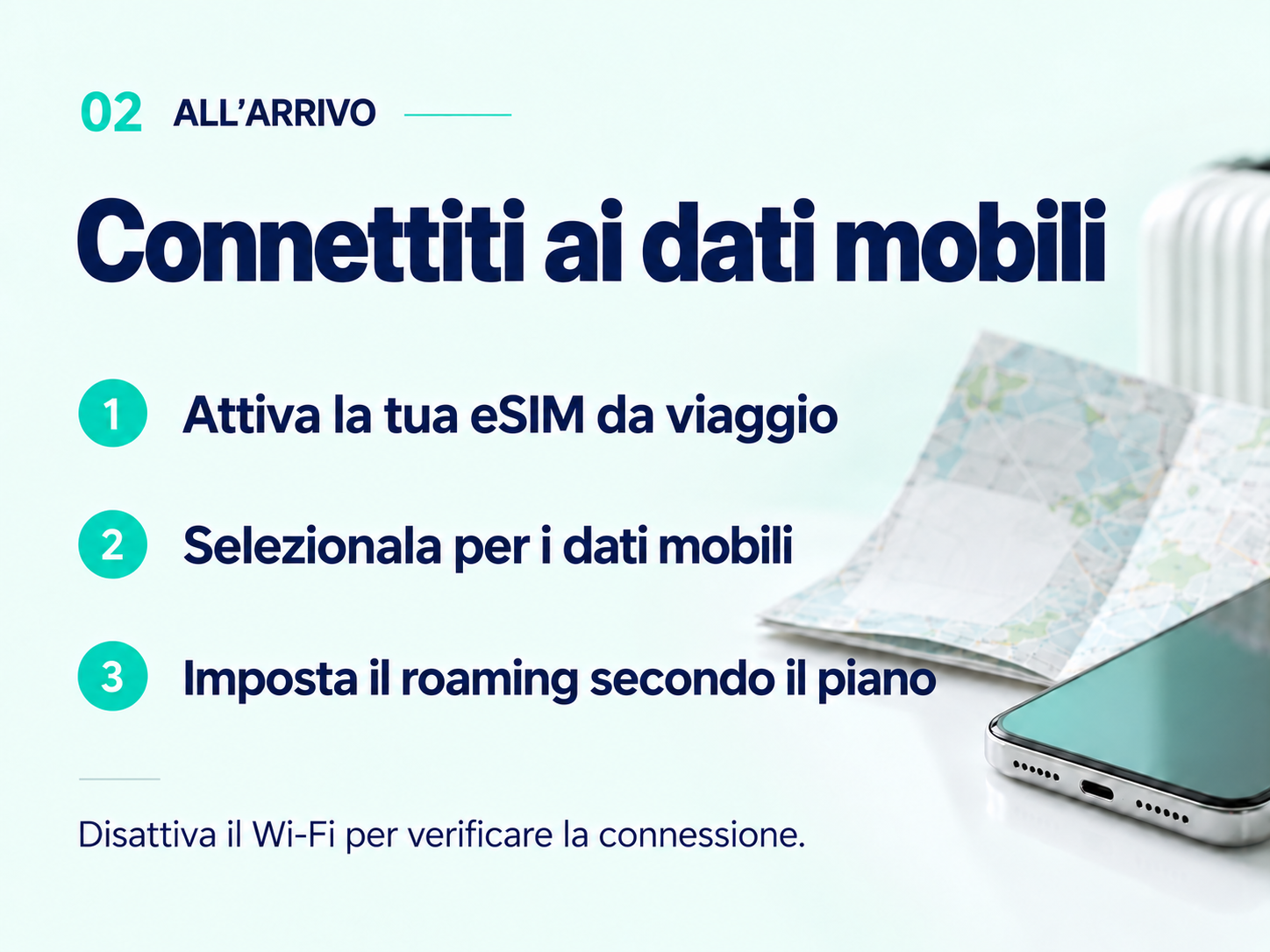
On arrival: enable your travel eSIM, select it for mobile data and check roaming. Turn off Wi-Fi to test.
Prima di iniziare Vedi immagine intera ↗

Check your plan first

In My eSIMs, confirm that your destination is covered and that you have data and validity remaining. Not installed yet? Start with iPhone or Android.

Select the data line

  • iPhone: Settings → Cellular → your travel eSIM → enable Turn On This Line. Under Cellular Data, choose the travel eSIM.
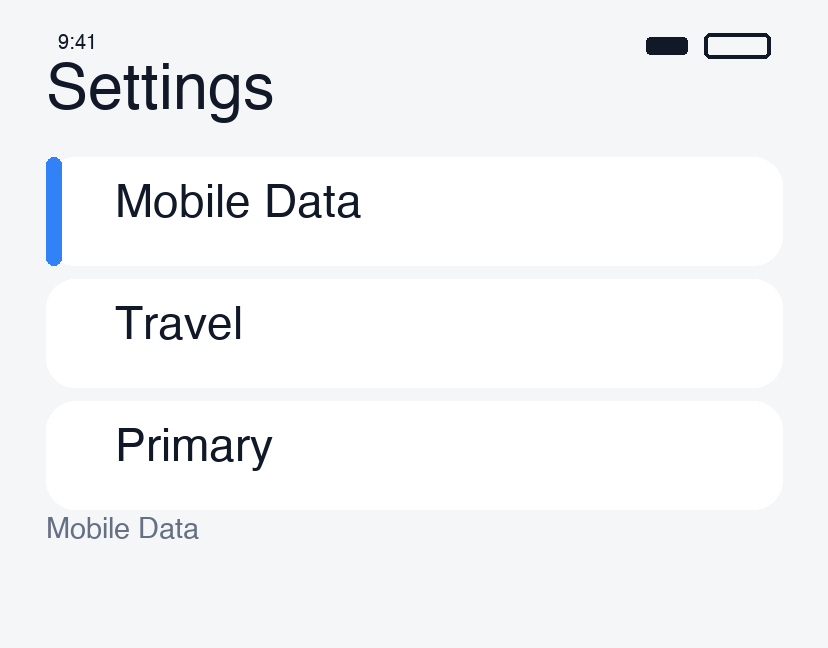
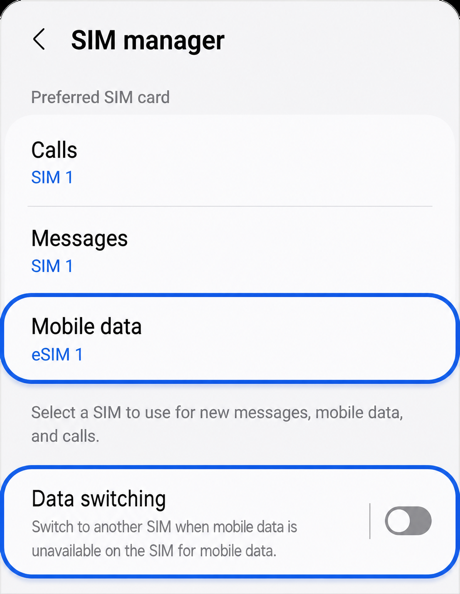
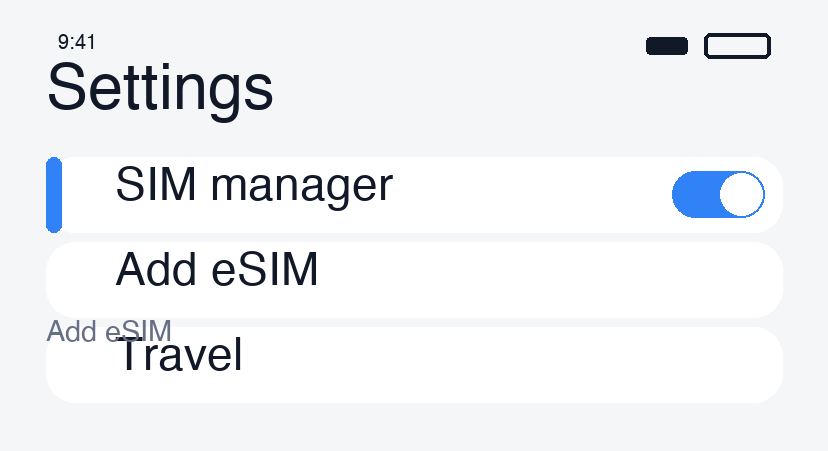
  • Android (Samsung Galaxy example): Settings → Connections → SIM manager → enable the travel eSIM, then select it for Mobile data.

Menu names may differ by device and OS.
Select the data line · 1
Select the data line · 2
Select the data line · 3

Check roaming settings

Item Setting to check
Travel eSIM Enable data roaming if the plan requires it. Many travel eSIMs need this.
Usual SIM Turn off data roaming to avoid unwanted roaming data usage.
Automatic data switching Turn it off where available and keep the travel eSIM selected.

You may keep your usual SIM active for calls and texts. Turning off data roaming does not prevent home-carrier charges for voice calls or other services. Check your carrier’s terms.
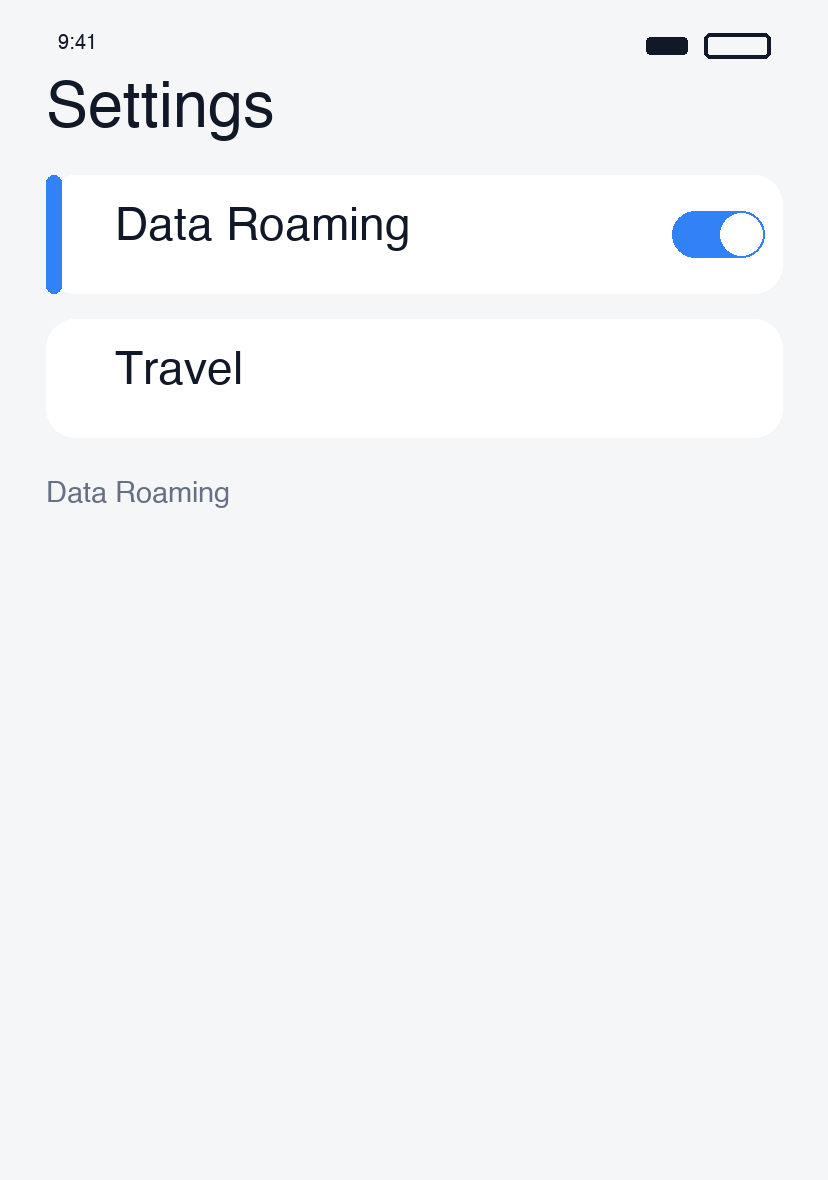
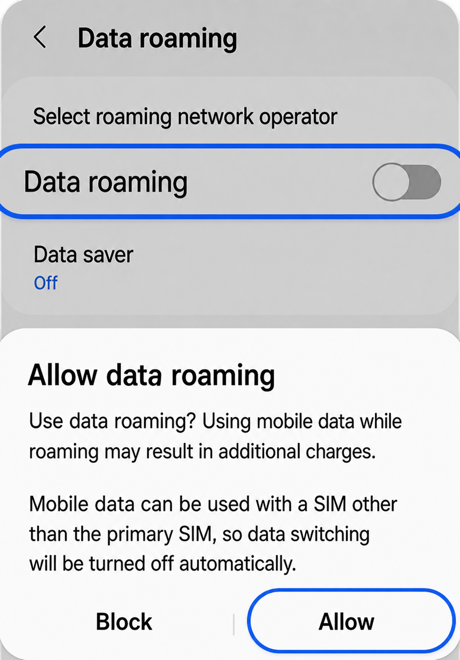
Check roaming settings · 1
Check roaming settings · 2

Test the connection

  1. Turn off airplane mode and allow time to connect.
  2. Briefly disable Wi-Fi and open a web page. Signal bars alone do not confirm working data.
  3. If it fails, reconnect to Wi-Fi and follow the iPhone checks or Android checks.

Change APN or select a network manually only when your plan instructs you to. Keep the eSIM installed.

ProssimoTutte le guide

Ti serve ancora aiuto?

Il nostro team di assistenza può aiutarti.

Ricevi assistenza

Vai a un passaggio

  1. 01Check your plan first
  2. 02Select the data line
  3. 03Check roaming settings
  4. 04Test the connection

Letture consigliate

Make and receive calls abroadConnect to VPN in the appSwitch back after your tripCheck your carrier lock

NBase Korea Co., Ltd.

Amministratore delegato: Shinbae Kong

N. registrazione impresa: 401-87-00956

Registrazione vendite a distanza: 2025-Yongin Suji-2082

902, Bldg A, 767 Sinsu-ro, Suji-gu, Yongin-si, Gyeonggi-do (Dongcheon-dong, Bundang Suji U-TOWER)

Sede USA: NBASE CORP. · Corporate Park, Irvine, CA 92606, USA

esimoa — Travel eSIM, Calls & VPN - eSIM, calls & VPN for travelers — all in one app | Product Hunt

Link rapidi

Confronta i piani eSIMScarica l’appAcquisto all’ingrossoGuidaI nostri partnerCollaborazioniChi siamo

Servizio clienti

Chat di assistenzaRichiedi un rimborso

Email: support@esimoa.com

Informazioni legali

Termini di servizioInformativa sulla privacyPolitica di consegna e rimborsoSviluppatoriDocumentazione API

© 2026 esimoa. Tutti i diritti riservati.