Gói cướcGói cướcCuộc gọiVPNSo sánhHướng dẫnBlogHỗ trợTài khoản
Tất cả hướng dẫn
iPhone · iOSAndroid

iPhone: connection checks

Check your line, roaming and plan in order. Keep the eSIM installed.

Đã cập nhật 2026.10.024 phút đọc

Chuyển đến bước
  1. 01Installation error or no data?
  2. 02Check the line and roaming
  3. 03Check the plan and signal
  4. 04Use only supplied APN and network settings
  5. 05Contact support
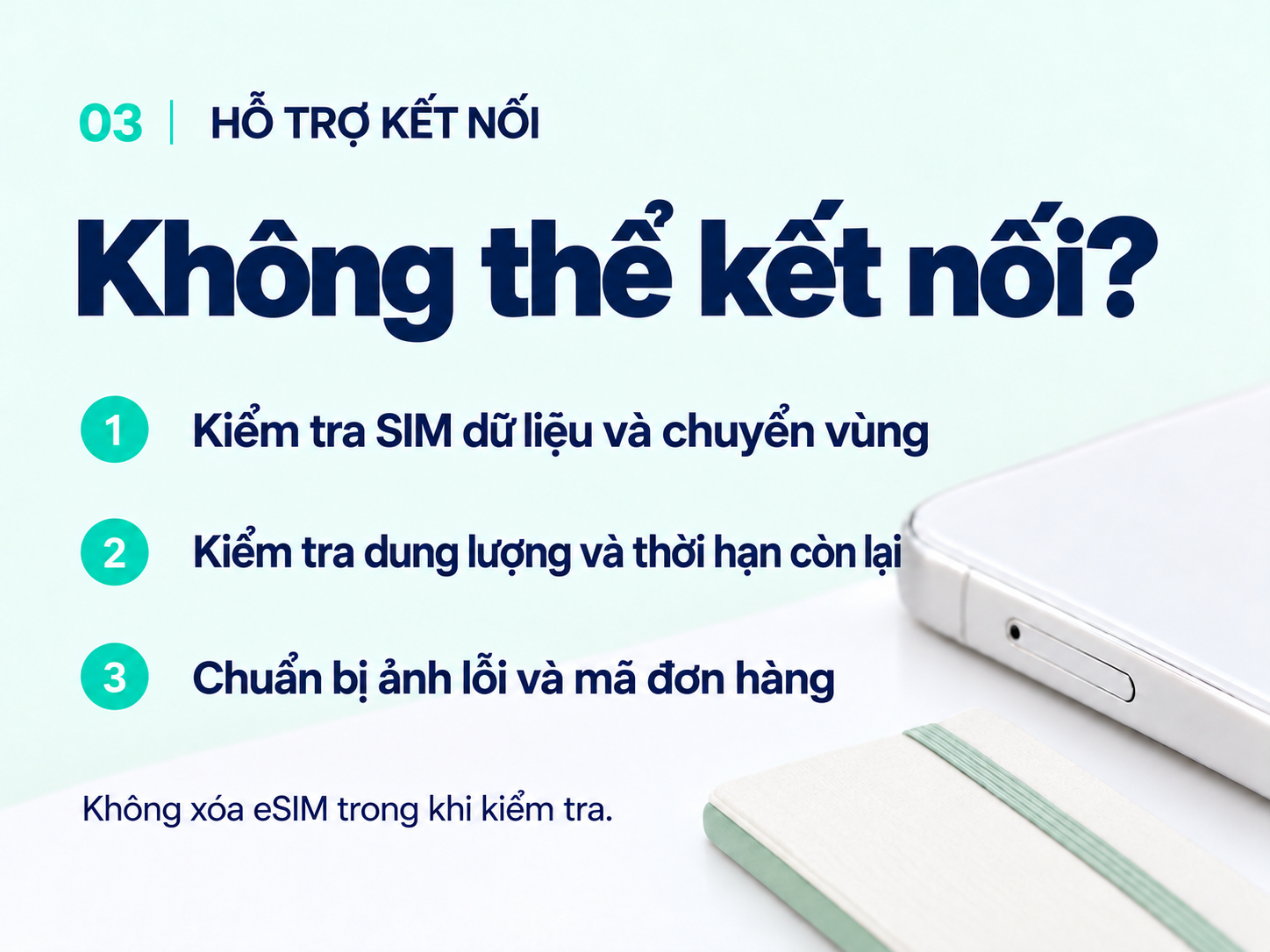
Connection help: check your data line, roaming, data balance and validity. Keep your eSIM installed and have your error screen and order ID ready.
Trước khi bắt đầu Xem ảnh đầy đủ ↗

Installation error or no data?

If the eSIM was not added, use reliable Wi-Fi and review the installation guide. If a code says it was already used, first check whether the eSIM is listed in settings. Do not keep retrying the QR code or delete the eSIM. Save the error message.

Check the line and roaming

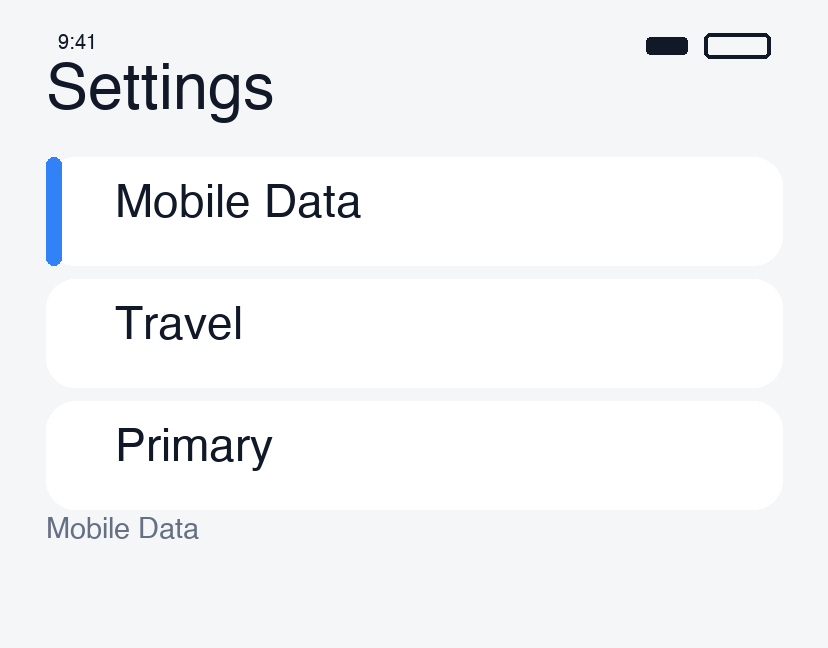
  1. Open Settings → Cellular and make sure the travel eSIM is on.
  2. Select it as your mobile data line.
  3. Enable its data roaming if your plan requires it.
  4. Disable automatic data switching where offered to avoid switching to your usual SIM.
Check the line and roaming · 1

Check the plan and signal

In My eSIMs, check coverage, remaining data and validity. Move to a place with better reception if you are indoors or underground.

Briefly turn airplane mode on, then off and wait. If needed, restart the phone, turn Wi-Fi off and try loading a web page. If only one app fails, temporarily disconnect a VPN and try again.

Use only supplied APN and network settings

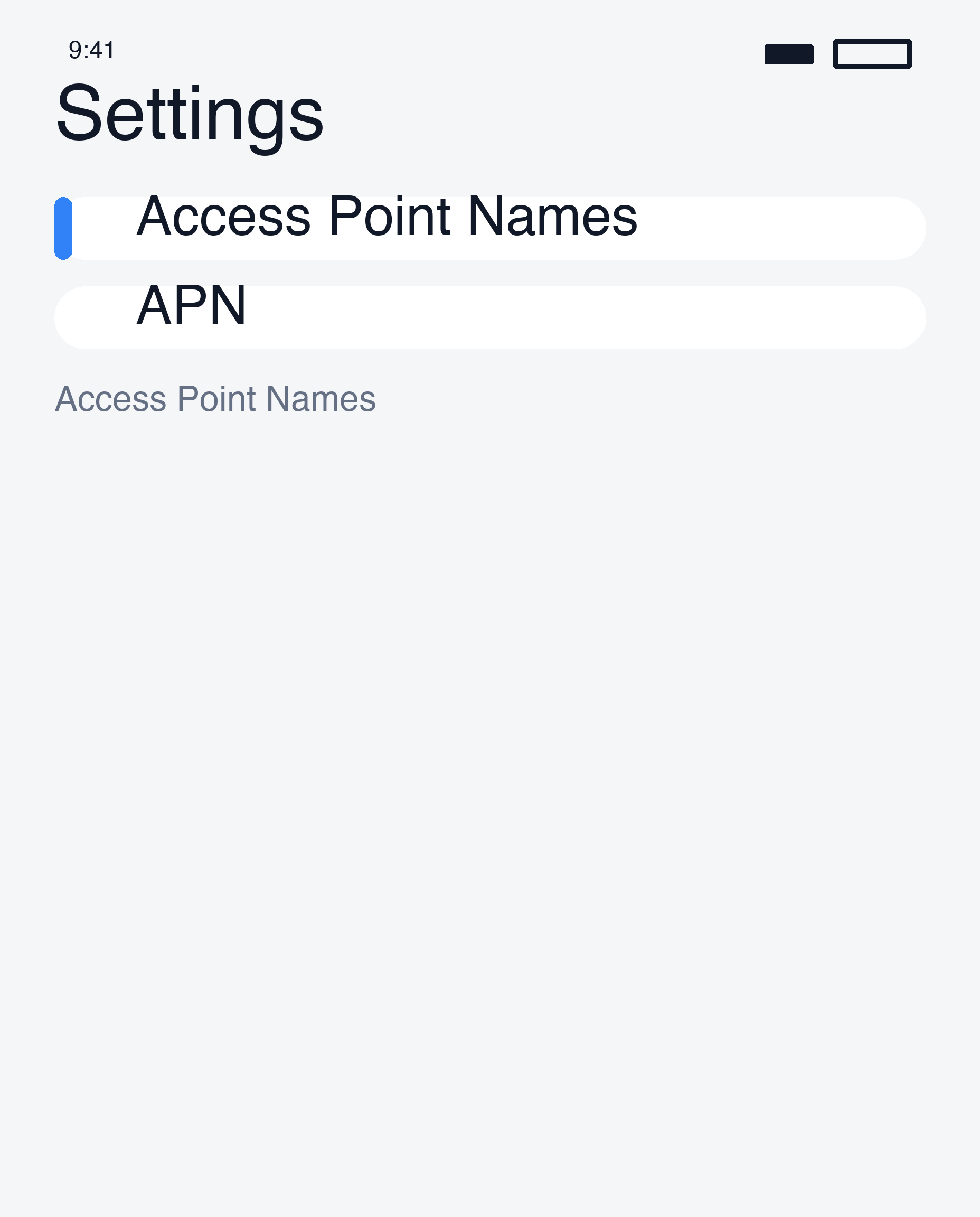
  • APN: enter a value only if your order supplies one. Do not guess values such as internet. Some devices do not allow editing.
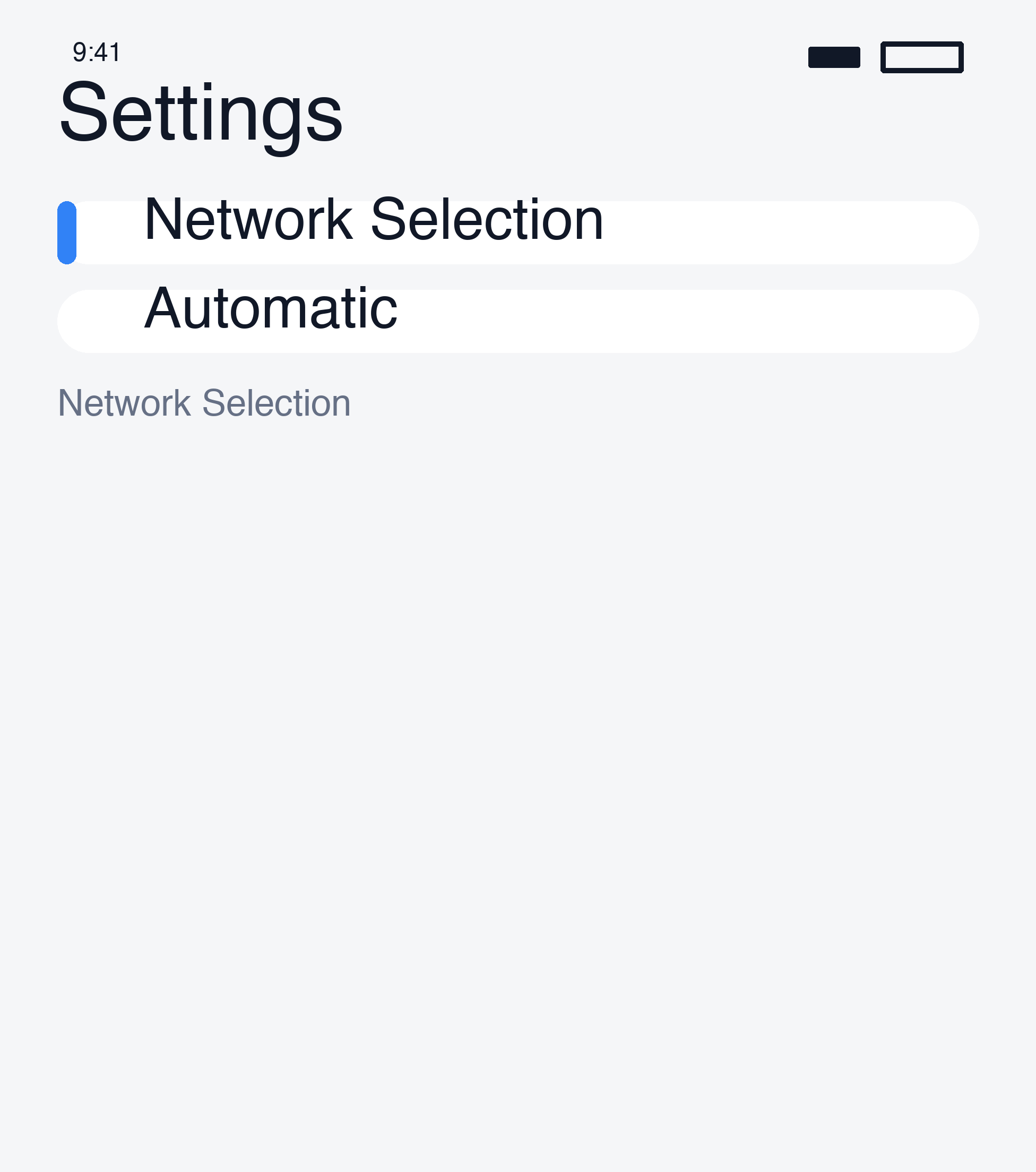
  • Network: use automatic selection first. If instructed to select manually, choose a carrier supported by your plan; the strongest signal is not necessarily eligible.
Use only supplied APN and network settings · 1
Use only supplied APN and network settings · 2

Contact support

Send support your order number, country, device model, error message and settings screenshots. Keep QR and activation codes out of public posts.

Do not start with a network reset or eSIM deletion. You may lose saved settings or need a replacement eSIM.

Apple troubleshooting

Tiếp theoTất cả hướng dẫn

Vẫn cần hỗ trợ?

Đội ngũ hỗ trợ của chúng tôi có thể giúp bạn.

Nhận trợ giúp

Chuyển đến bước

  1. 01Installation error or no data?
  2. 02Check the line and roaming
  3. 03Check the plan and signal
  4. 04Use only supplied APN and network settings
  5. 05Contact support

Bài viết hữu ích tiếp theo

Make and receive calls abroadConnect to VPN in the appSwitch back after your tripConnect on arrival

NBase Korea Co., Ltd.

Giám đốc điều hành: Shinbae Kong

Mã số doanh nghiệp: 401-87-00956

Đăng ký bán hàng từ xa: 2025-Yongin Suji-2082

902, Bldg A, 767 Sinsu-ro, Suji-gu, Yongin-si, Gyeonggi-do (Dongcheon-dong, Bundang Suji U-TOWER)

Trụ sở tại Mỹ: NBASE CORP. · Corporate Park, Irvine, CA 92606, USA

esimoa — Travel eSIM, Calls & VPN - eSIM, calls & VPN for travelers — all in one app | Product Hunt

Truy cập nhanh

So sánh gói eSIMTải ứng dụngMua số lượng lớnHướng dẫnĐối tác của chúng tôiHợp tácVề chúng tôi

Chăm sóc khách hàng

Chat hỗ trợYêu cầu hoàn tiền

Email: support@esimoa.com

Pháp lý

Điều khoản dịch vụChính sách quyền riêng tưChính sách giao hàng và hoàn tiềnNhà phát triểnTài liệu API

© 2026 esimoa. Bảo lưu mọi quyền.