
แพ็กเกจแพ็กเกจการโทรVPNเปรียบเทียบคู่มือบล็อกช่วยเหลือบัญชีของฉัน
คู่มือทั้งหมด

Switch back after your trip

Switch back to your usual SIM and decide whether to keep the travel profile.

อัปเดตแล้ว 2026.10.02อ่าน 2 นาที

ข้ามไปยังขั้นตอน
  1. 01Return to your usual SIM
  2. 02Turn the travel eSIM off first
  3. 03Delete only when needed
  4. 04Deletion is not cancellation

Return to your usual SIM

  • iPhone: under Settings → Cellular, choose your usual SIM for Cellular Data and Default Voice Line.
  • Android (Samsung Galaxy example): under Settings → Connections → SIM manager, check the default SIM for data, calls and texts. Available options vary.

Turn Wi-Fi off and check that data and any needed calling functions work.

Turn the travel eSIM off first

You can disable an unused travel line in settings. Turning it off does not pause plan validity or issue a refund. Check remaining validity, reuse and top-up rules in My eSIMs.
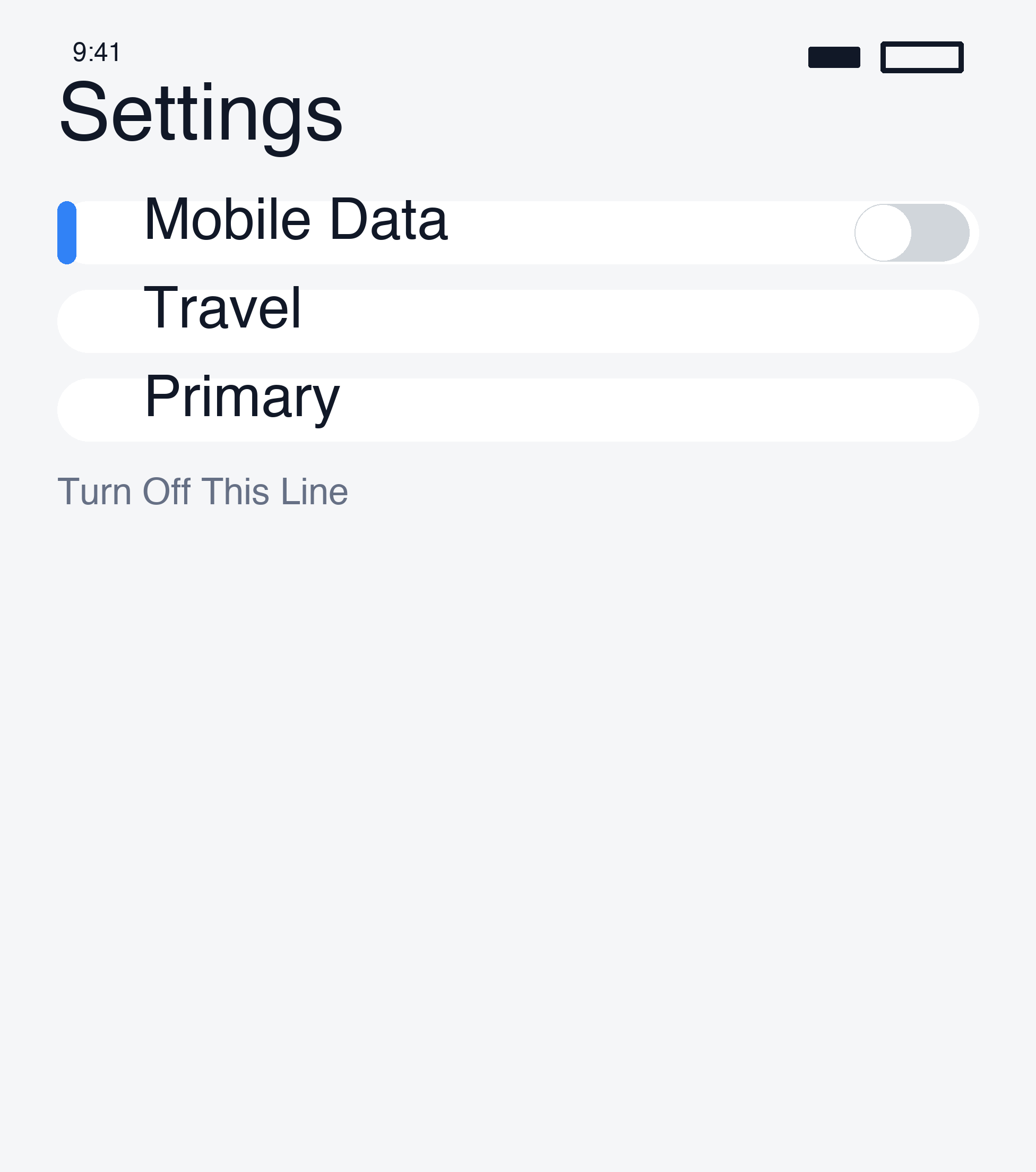
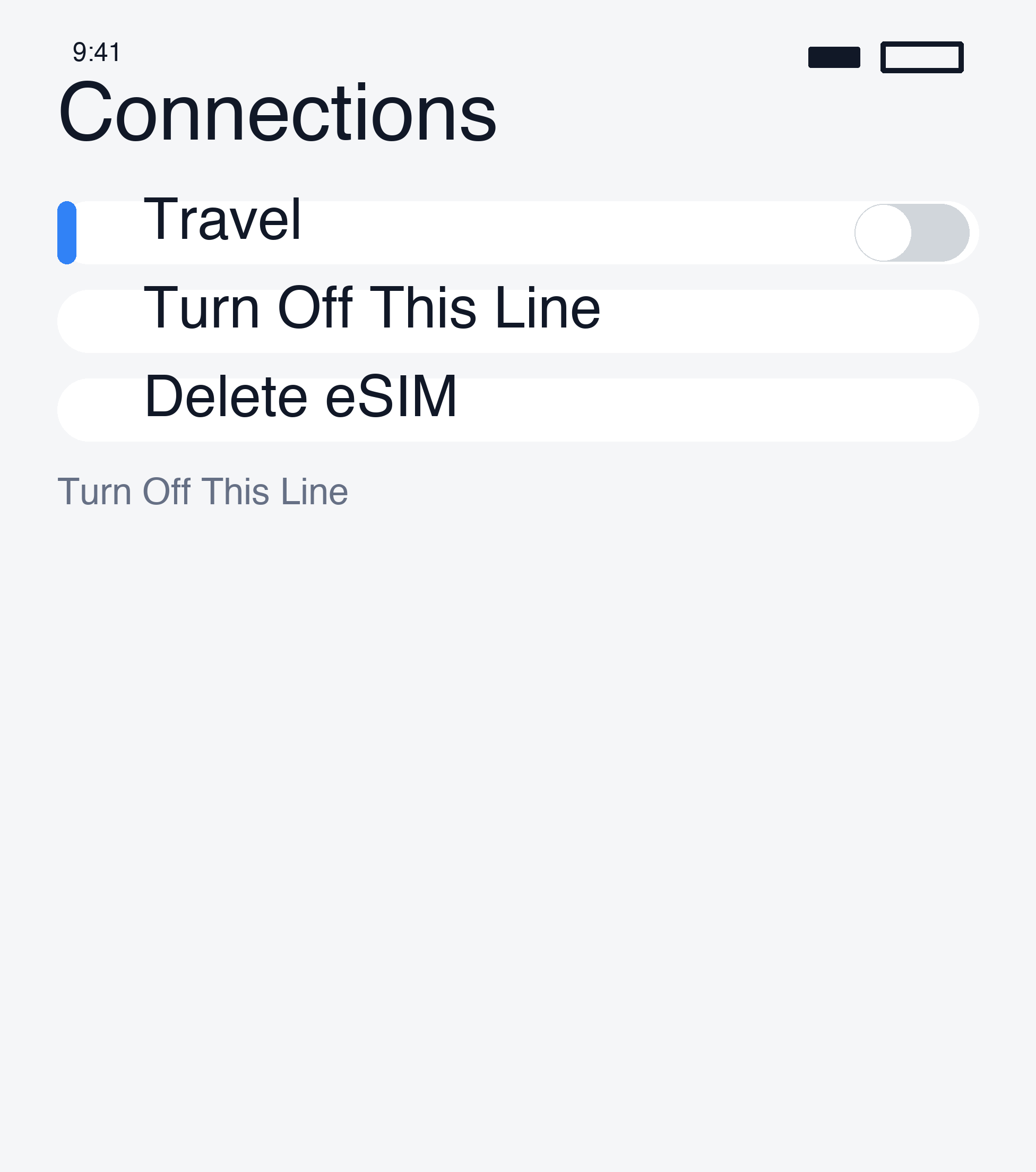
Turn the travel eSIM off first · 1
Turn the travel eSIM off first · 2

Delete only when needed

A saved travel profile does not need to be deleted simply because the trip is over. Deleting it may prevent reinstalling or require a replacement. Keep it if you may reuse it or support is investigating the order.

If you decide to delete, match the line label to your order and remove only the travel eSIM, not your usual line.

Deletion is not cancellation

Deleting an eSIM does not cancel a plan or request a refund. Your home carrier’s charges depend on its terms, not merely on whether a travel profile is stored.

For refunds, read the current policy and contact support.

Apple’s deletion guidance

ถัดไปคู่มือทั้งหมด

ยังต้องการความช่วยเหลือไหม?

ทีมช่วยเหลือของเราพร้อมช่วยคุณ

ขอความช่วยเหลือ

ข้ามไปยังขั้นตอน

  1. 01Return to your usual SIM
  2. 02Turn the travel eSIM off first
  3. 03Delete only when needed
  4. 04Deletion is not cancellation

บทความที่น่าอ่านต่อ

Make and receive calls abroadConnect to VPN in the appConnect on arrivalCheck your carrier lock

NBase Korea Co., Ltd.

ประธานเจ้าหน้าที่บริหาร: Shinbae Kong

เลขทะเบียนธุรกิจ: 401-87-00956

ทะเบียนการขายทางไกล: 2025-Yongin Suji-2082

902, Bldg A, 767 Sinsu-ro, Suji-gu, Yongin-si, Gyeonggi-do (Dongcheon-dong, Bundang Suji U-TOWER)

สำนักงานใหญ่ในสหรัฐฯ: NBASE CORP. · Corporate Park, Irvine, CA 92606, USA

esimoa — Travel eSIM, Calls & VPN - eSIM, calls & VPN for travelers — all in one app | Product Hunt

ลิงก์ด่วน

เทียบแพ็กเกจ eSIMดาวน์โหลดแอปซื้อจำนวนมากคู่มือพาร์ตเนอร์ของเราพาร์ตเนอร์เกี่ยวกับเรา

บริการลูกค้า

แชตช่วยเหลือขอคืนเงิน

อีเมล: support@esimoa.com

ข้อมูลทางกฎหมาย

เงื่อนไขการใช้บริการนโยบายความเป็นส่วนตัวนโยบายจัดส่งและคืนเงินนักพัฒนาเอกสาร API

© 2026 esimoa สงวนลิขสิทธิ์