
Return to your usual SIM
- iPhone: under Settings → Cellular, choose your usual SIM for Cellular Data and Default Voice Line.
- Android (Samsung Galaxy example): under Settings → Connections → SIM manager, check the default SIM for data, calls and texts. Available options vary.
Turn Wi-Fi off and check that data and any needed calling functions work.
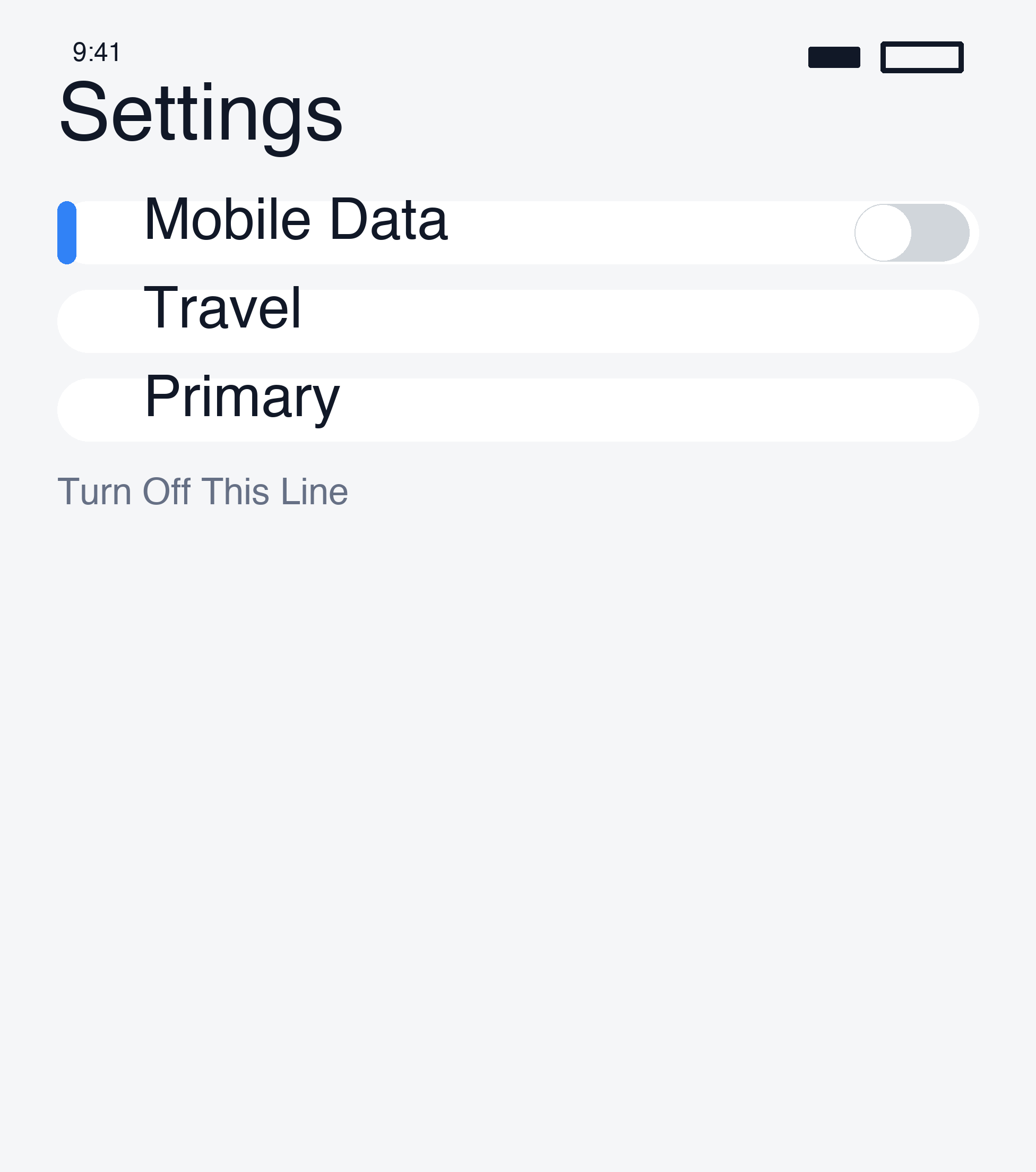
Turn the travel eSIM off first
You can disable an unused travel line in settings. Turning it off does not pause plan validity or issue a refund. Check remaining validity, reuse and top-up rules in My eSIMs.
Delete only when needed
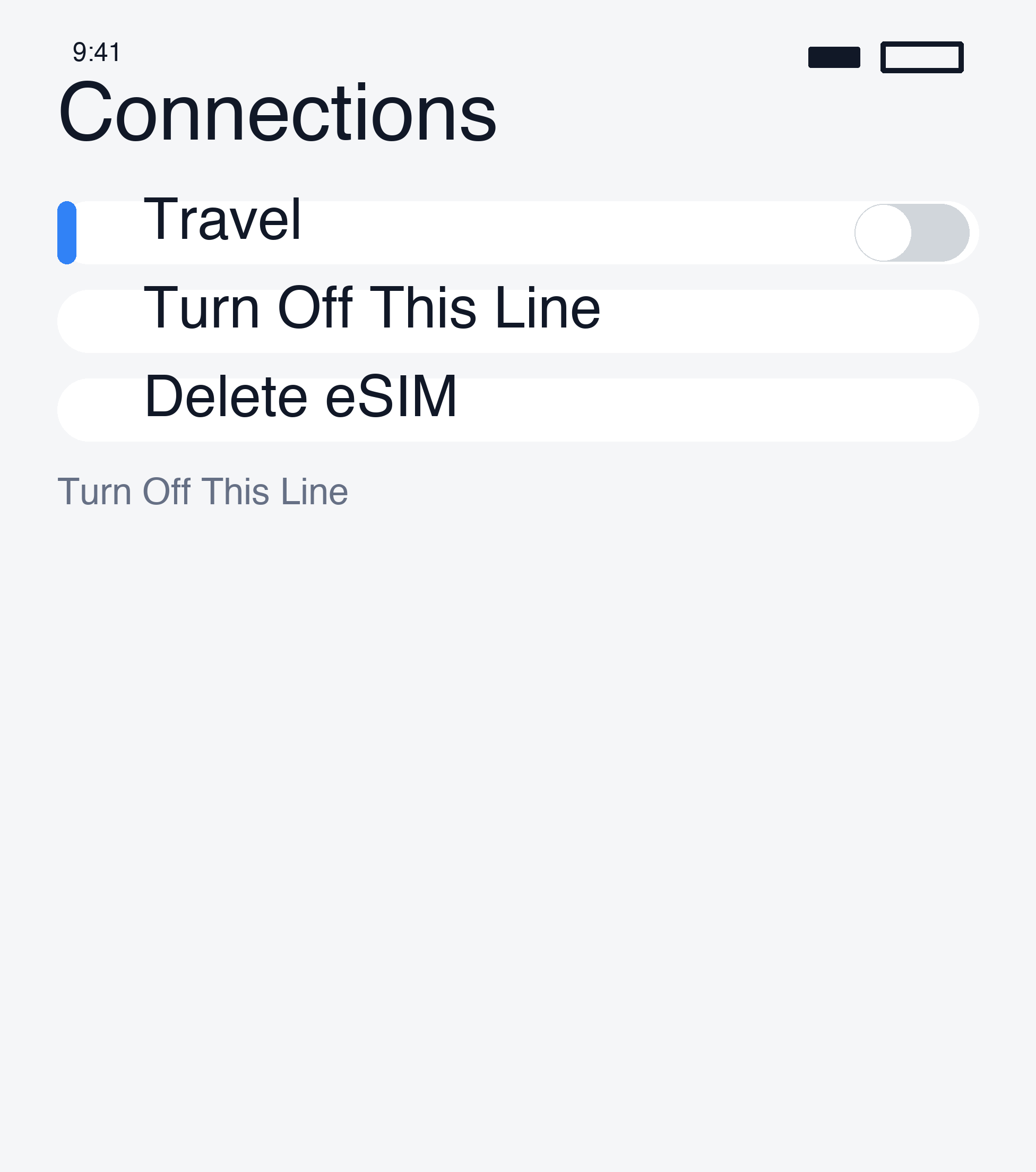
A saved travel profile does not need to be deleted simply because the trip is over. Deleting it may prevent reinstalling or require a replacement. Keep it if you may reuse it or support is investigating the order.
If you decide to delete, match the line label to your order and remove only the travel eSIM, not your usual line.
Deletion is not cancellation
Deleting an eSIM does not cancel a plan or request a refund. Your home carrier’s charges depend on its terms, not merely on whether a travel profile is stored.
For refunds, read the current policy and contact support.
Besoin d’aide supplémentaire ?
Notre équipe d’assistance peut vous accompagner.